Arnold Extend Workflow “user_data_string”
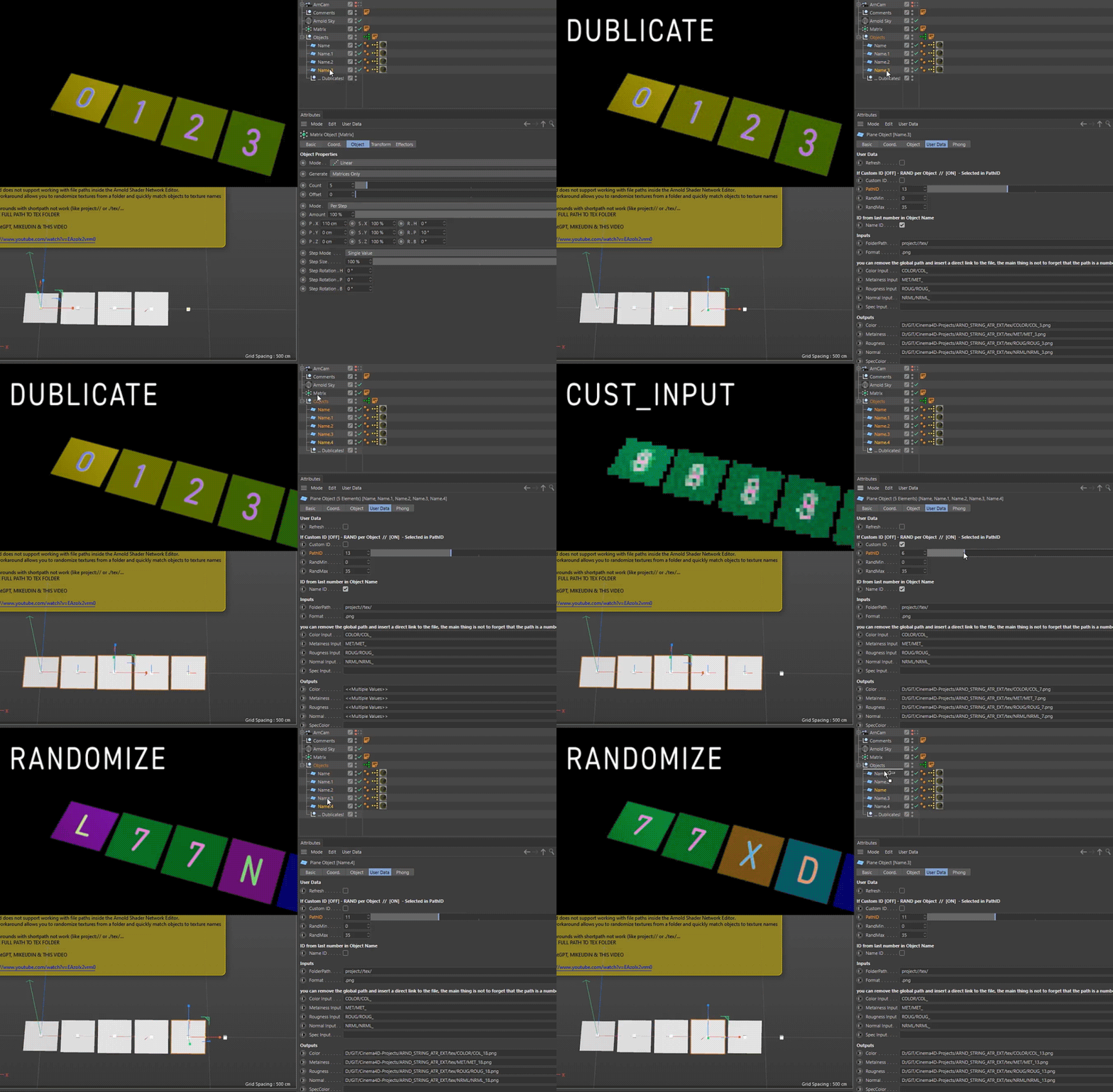
Based on this method - setup automates texture path assignment for Arnold Render in Cinema 4D,
designed to streamline workflows with Substance Painter and batch texture assets
youtube preview, workflow download
Key Features
- Random textures from a selected folder (Arnold Renderer)
- Allows manual selection of a specific texture via index
- Uses String-type User Data for dynamic path control
How to Set Up
- Create a new object
- Go to:
User Data > Add User Data > Load Preset (ARND_STRING_ATR) > OK - Copy the yellow Xpresso tag from the provided example object
- Make sure your textures are named numerically (e.g.
BaseColor_01.jpg,BaseColor_02.jpg)
Tip: Use Adobe Bridge or similar tools for batch renaming
Example Use Cases
- Random texture assignment for multiple clones or assets / meshes
- Quick material variations without duplicating shaders
Tags
cinema-4d c4dtoa arnold xpresso user-data string-attribute texture-randomizer user_data_string
multi-shader-arnold user_data_string-random random-textures-from-folder-in-arnold-shader
substance-painter workflow-tools shader-automation cg-tools aleksandrovsky gpt-assisted
Assembled by AleksandrovskyV, with assistance from GPT.
Feel free to fork, break, or improve this setup 🔧