Arnold Workflow “user_data_string”
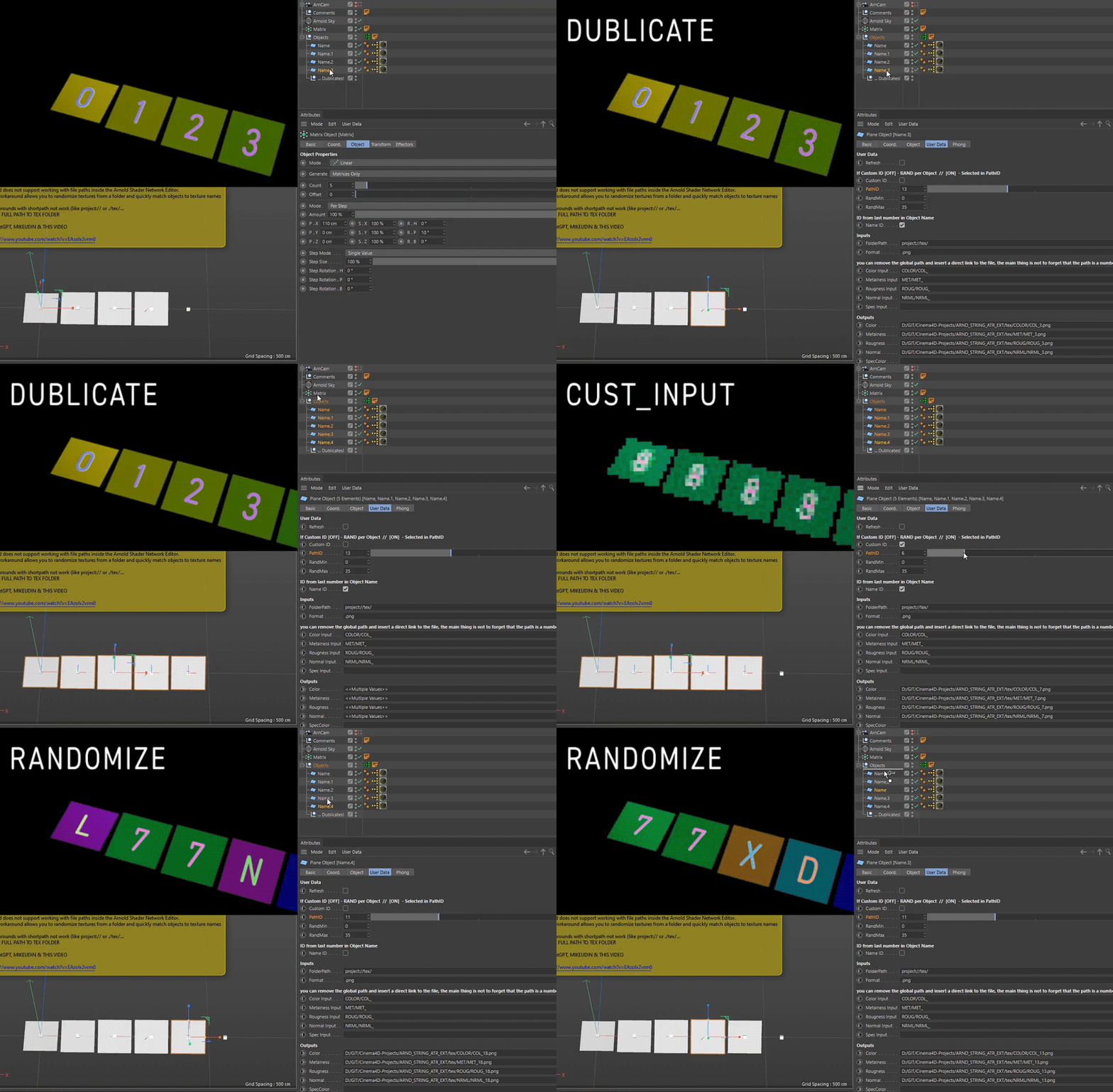
Based on this method
- setup automates texture path assignment for Arnold
Render in Cinema 4D,
designed to
streamline workflows with Substance Painter and batch
texture assets
youtube preview, workflow download
Key Features
- Random texture assignment for multiple clones or assets / meshes
- Random textures from a selected folder
- Allows manual selection of a specific texture via index
- Quick material variations without duplicating shaders
How to Set Up
- Create a new object
- Go to:
User Data > Add User Data > Load Preset (ARND_STRING_ATR) > OK
- Copy the yellow Xpresso tag from the provided
example object
- Make sure your textures are named numerically
(e.g.
BaseColor_01.jpg,BaseColor_02.jpg)
Tip: Use Adobe Bridge or similar tools for batch renaming
Assembled by AleksandrovskyV,
with assistance from ChatGPT
Feel free to fork, break, or improve this setup 🔧
c4dtoac4d arnold rendermulti-shader-arnolduser_data_string-randomrandom-textures-from-folder-in-arnold-shaderaleksandrovsky&gpt-assisted